Orchestrate the live operation
Turn repeatable production steps into reusable Threads, with controlled live edits, recovery paths and operator approvals.
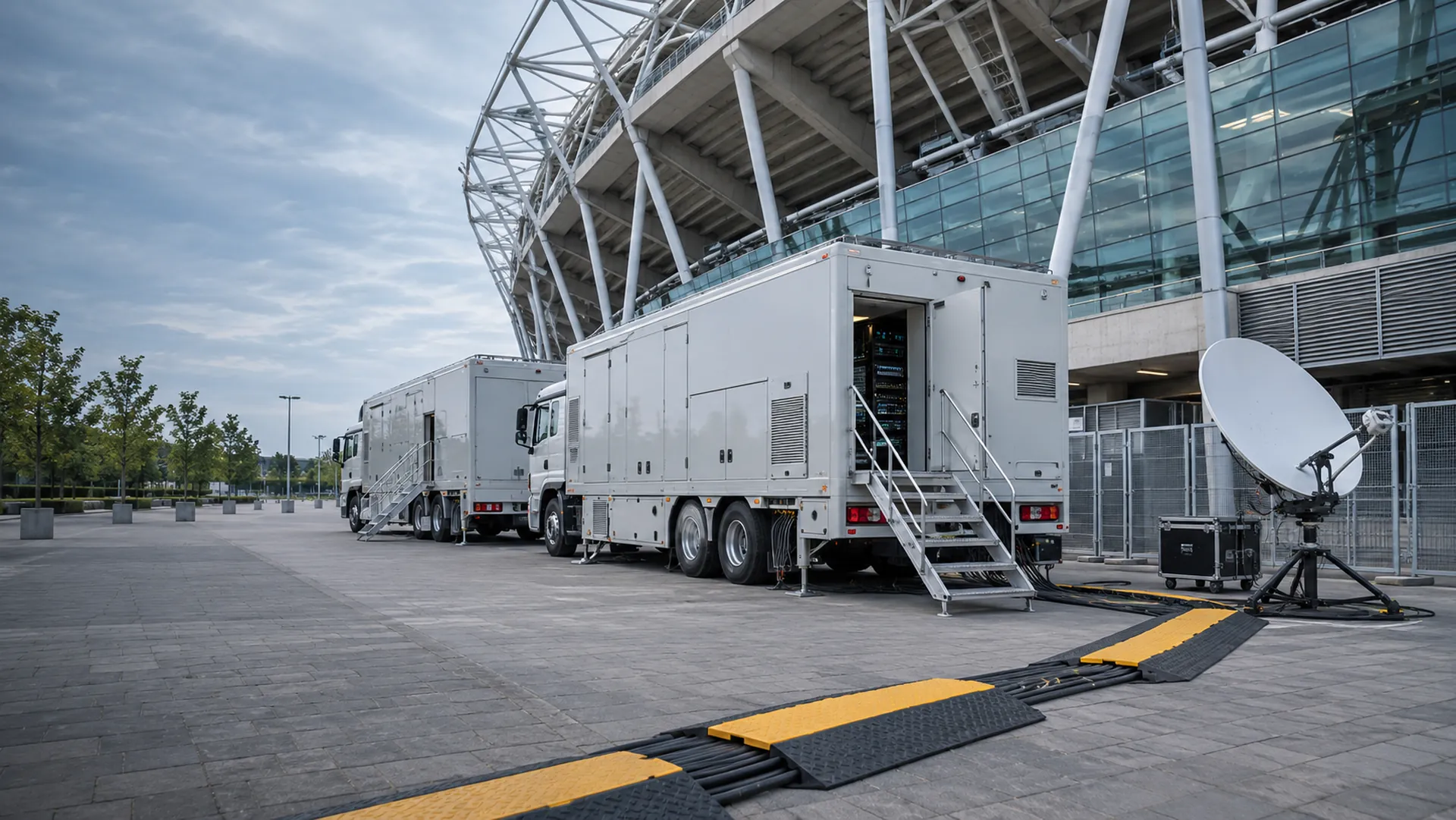
Book it, build it, run it, release it: one system for live event operations.
Tapestry connects event schedules, resource allocation and live workflows in one system for sports and event broadcasters, REMI centers and distribution teams.
One operational view across the event, the resources it needs and the signal it delivers.
Turn repeatable production steps into reusable Threads, with controlled live edits, recovery paths and operator approvals.
Match capabilities to event requirements, expose schedule conflicts and review the impact of allocation changes.
Connect stream health and correlated faults to recovery workflows, team ownership and measurable resolution history.
See every live and upcoming event, and every conflict, on one dashboard.
Build workflows on a visual canvas from ready-made tasks.
Start setup automatically before air, on a window you set.
If a game runs long, extend the event and recheck its conflicts.
See stream health, Mosaic warnings, resource-pool metrics and conflicts from a live operations console.
Start with the event schedule and the resource capabilities it requires.
Review allocations and conflicts, then consider the alternatives.
Provision the necessary systems before the event starts.
Run the event Thread, with live changes validated before they apply.
If a live event runs long, reevaluate resource conflicts.
Complete cleanup and resource release when production finishes.
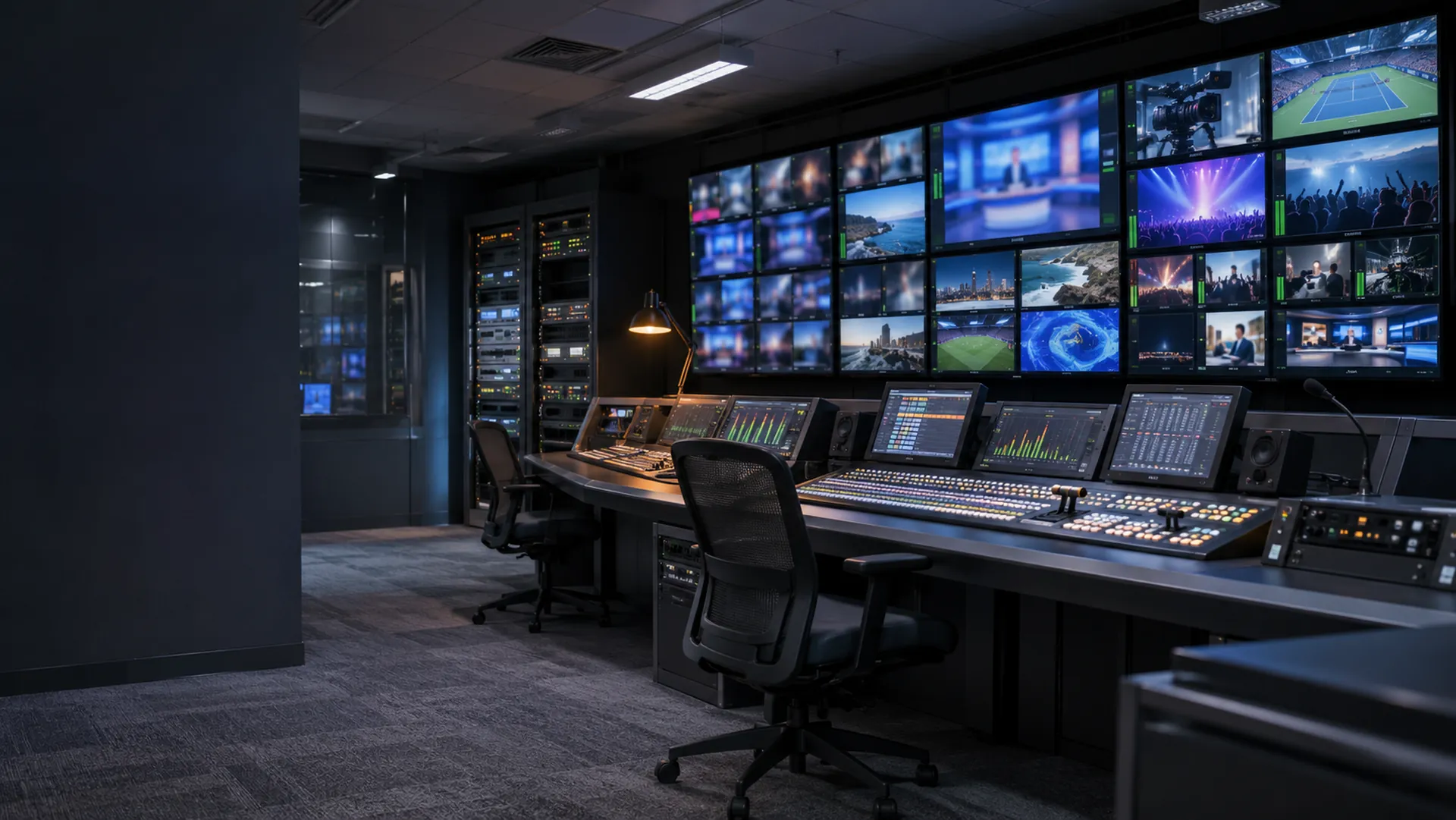
Extend the event, recheck its conflicts and release resources when production ends, all from one schedule.
Not to assemble, schedule or run workflows from existing tasks. You need Groovy to create a new task, and scripts to write custom policy actions. Tapestry can draft both with AI for an engineer to review.
Included tasks cover Techex MWEdge streams, TAG Video Systems MCM-9000 channels and layouts, and AWS EC2 instances. Other equipment can be added through Groovy tasks using Mosaic drivers.
Tapestry controls devices and reads their status through Mosaic's device layer, so the two work together. Talk to us about the setup for your site.
You set the response when you build the workflow: retry, continue, run a recovery task, fail over or stop. You can also require an operator to approve it.
AI helps engineers draft tasks, policies and workflows. Resource allocation and advisories come from rules, and whether a policy acts automatically is your choice.
Build sequential, parallel and conditional workflows with a drag-and-drop graph editor. Reuse nested subthreads, organize definitions with namespaces and tags, and follow execution history and live topology.
Validate live changes before applying them, retain rollback snapshots and restart from a task or retry immediately. Save a live Thread as a template and use arm-and-go confirmation for controlled execution.
Set retry timing (fixed, linear or exponential) and failure handling on each task that needs it, add recovery tasks or Threads, failover paths and operator approvals, and test those paths in the same runs as normal operation.
Define typed resource pools and match event requirements to device capabilities. Allocate across the schedule using priorities and conflict scoring, and consolidate work so idle cloud resources can be released.
Review allocation dry runs and alternatives before applying changes. The planner can shift lower-priority scheduled bookings while leaving running and forced allocations untouched, and operators can force, unforce, unbook or reschedule allocations.
Coordinate pre-start provisioning, live operation and cleanup through validated event states. Extend live events with conflict reevaluation, review calendar and Gantt views, and preview CSV or pipe-delimited schedules before import.
Track bitrate, latency, frame rate, loss, errors and buffer thresholds. Combine stream health with Mosaic parameter warnings, resource-pool metrics and conflict visibility in a live operations console.
Apply selective retries, recovery tasks or Threads, standby workflows and human approval. Correlate related faults into Situations and coordinate ownership, escalation and resolution in the Situation Room.
Review deterministic, evidence-backed advisories with confidence, rationale and proposed actions. Accept or reject recommendations with a decision history; choose advise-only or automatic application for operational policies.
Scope a policy for each of deconfliction, escalation and recovery, set each one to advise or apply automatically, and review the accept and reject ledger afterward, where every advisory keeps its evidence, confidence and rationale.
Included tasks cover Techex MWEdge, TAG Video Systems MCM-9000 and AWS EC2. Other equipment can be added through Groovy tasks using the Mosaic device layer.
List the actions each device or service needs, such as provisioning, routing, recording or release, and we will check them against the included Techex MWEdge, TAG Video Systems MCM-9000 and AWS EC2 tasks, and scope Groovy tasks on the Mosaic device layer for the rest.
Create Groovy tasks and policies in the browser editor with hot reload, compile feedback, typed task schemas and a standalone task test harness. Work directly with YAML workflow definitions when needed.
Draft task scripts, policy scripts and workflow YAML from a description, then refine and review them. Bring your own provider keys; authoring assistance is separate from deterministic operational advisories.
Track throughput, success rates, pool utilization and recovery time by fault type. Review automated versus manual actions and the Value Report alongside role-based access and searchable system audit records.
Pilot one event type with real resource contention and recovery needs, and judge it on execution success, resource-pool utilization, recovery time by fault type and the share of automated actions, measured on your own operation.