Model your real world
Build around your own asset classes and dependencies, then evolve the model as your infrastructure changes.
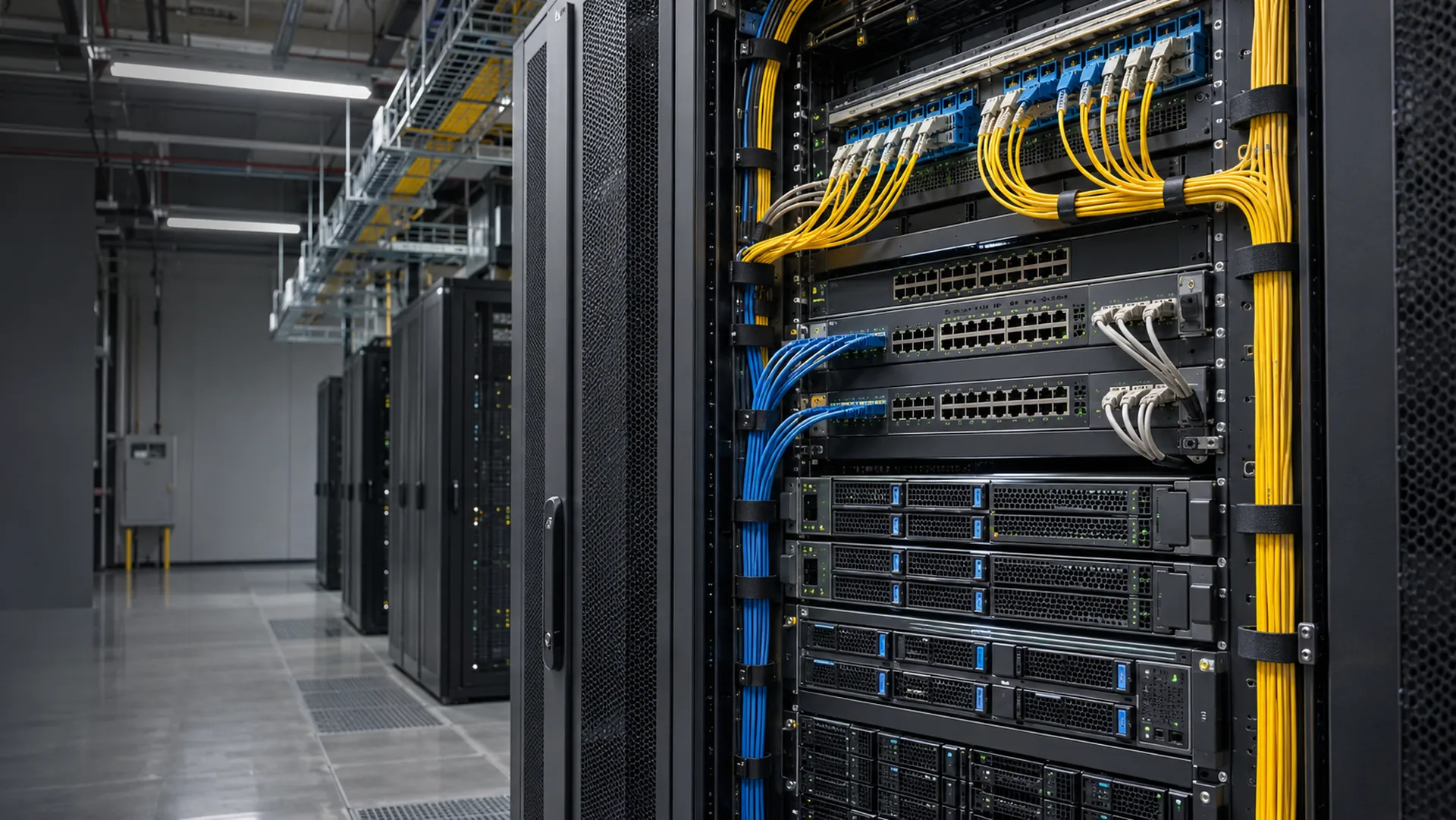
Know what you run. Control what changes. Fix what breaks.
Tessera is service management built on a CMDB you define, with change management and ticketing for broadcast, media and IT teams.
A connected operational record for the people responsible for your infrastructure.
Build around your own asset classes and dependencies, then evolve the model as your infrastructure changes.
Move from draft to coordinated change set to scheduled application, with revalidation and a history you can inspect afterward.
Turn connected records into saved queries, role-specific dashboards and scheduled reports for engineering and operations.
A CMDB that fits your operation, with your own classes, attributes and relationships.
See what a change touches before you approve it.
A service desk that already knows what each ticket affects.
Each asset is a record in a CMDB you shape yourself. Open one to see its details, relationships, history, tickets and changes in one place.
Define classes, attributes and relationships in the administration interface, with inheritance and typed attributes such as IP addresses, lookups and references.
Begin with the affected entries and stage your edits as drafts.
Combine related drafts when a change touches several records.
Schedule application for the agreed window.
Tessera revalidates the scheduled changes before applying them.
The validated changes apply in the agreed window.
Inspect entry history and the separate relationship history.
A change request reads the same records and relationships. It shows what is affected, which services depend on it, and whether it clashes with a blackout or a maintenance window.
Incidents, problems and requests share one service desk, each tied to the records it affects. People who report issues and ask for services use a portal and a catalog, with no licensed seat.
Tessera has an alert API with a ready-made Mosaic source. An alarm can open an incident tied to the affected device, and repeats add to the same incident.

Sites, racks, devices, circuits, services and multicast addresses, modeled the way you run them, with the history of every change.
Both. The CMDB is the base. Change management and ticketing are modules that work directly with its records and relationships, so you can start with what you need.
It covers the core: CMDB, change, incidents, problems, requests, a catalog, a portal and SLAs. It does not include a knowledge base, automated discovery, a visual workflow designer, on-call or AI features.
Tessera has an alert API with a ready-made Mosaic source, so Mosaic alarms can open an incident tied to the affected device, and repeats add to the same incident. Other monitoring tools can use the same API.
Yes. Tessera runs on your own servers or in Docker, on Windows or Linux, with a PostgreSQL database.
With Tessera accounts or your LDAP directory. API clients use OAuth2 tokens.
Define classes, attributes and relationships in the administration interface. Model sites, racks, devices, circuits, services and multicast addresses, with inheritance and typed attributes, including IP addresses, passwords, lookups and references.
Store information on the relationship itself, such as a device’s rack position. Combine controlled lookups, derived display attributes, custom entry layouts and unique constraints to keep your model consistent.
Start with one representative site and a few classes such as racks, devices, circuits and services, use inheritance for the fields they share, and store link details, such as rack position, on the relationship itself.
Search globally, traverse relationships and build reusable filters with CQL. Advanced SQL and JavaScript filtering helps specialists ask deeper questions of connected operational data.
Import entries and relationships from CSV, check them with saved filters and built-in validation, and agree naming, ownership and unique fields before you import the rest of the estate.
Stage edits in drafts, coordinate multiple records in a draft set and schedule application. Tessera revalidates scheduled changes before applying them, helping teams prepare work ahead of a maintenance window.
Bring draft changes, reports, flows, email jobs and attribute-based markers into day, week and month views. Schedule recurring work and notify watchers when plans change.
Inspect timestamped entry history with highlighted attribute differences, revert changes and recover deleted entries. Relationship history provides a separate record and undo path for relationship changes.
Configure permissions for classes, attributes, relationships, rows, reports and menus. Use internal accounts or LDAP / Active Directory authentication, with roles managed inside Tessera.
Use configurable grids, saved filters and record locking to coordinate daily work. Bulk-edit common, non-unique attributes, preview attachments and view live HLS video or refreshing device thumbnails within an entry.
Agree the records and actions each role needs, set permissions, menus and dashboard defaults to match, and sign users in with LDAP or Active Directory while their roles stay in Tessera.
Build parameterized JasperReports, control access by role and schedule delivery. Export reports as PDF, XLSX, CSV, DOCX, RTF or HTML, and export filtered grid views to PDF or CSV.
Arrange grids, schedules, reports, activity and links with drag-and-drop widgets. Set system and role defaults while letting users personalize their workspace.
Turn the questions each team asks every week into saved queries or scheduled JasperReports, with report permissions by role, and keep record history and attachments for handovers between teams.
Connect through a documented REST API with OAuth 2.0 and dedicated machine users, signed webhooks and CSV import of entries and relationships, and send templated e-mail. MNC can also build plugins for external services.
Deploy on Windows, Linux or Docker. Combine configurable built-in validation, scheduled backups, selective restore and audit records with localized data labels and branding. Feature availability depends on your license.
Install on Windows or Linux, or with Docker, on PostgreSQL, and tell us your record and user counts, integrations, backup approach and the modules you need, so the license matches.