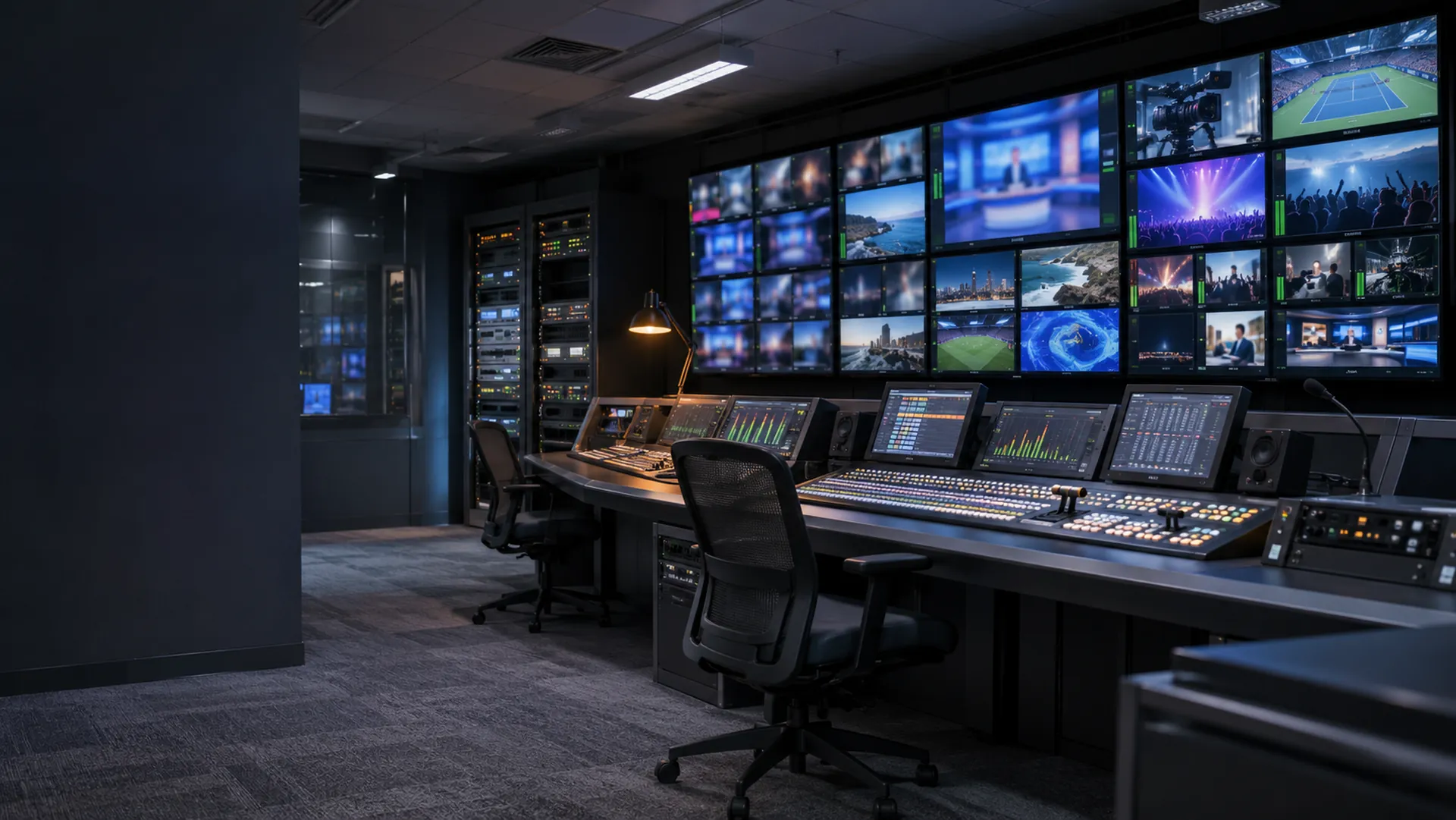
Broadcast monitoring and control
Every device in the chain, from camera to transmitter, with the failed hop located and the equipment under your control.
Keep every channel on air.
A fault on a live channel reaches the audience right away. Your team needs to see where the chain broke, not just that it did.
With every device and link in one view, you can find the failed hop and control the equipment from any location.
Signal.Routing.Timing.
All your facilities, from a single interface.
A broadcast network with more than 50 sites reduced downtime by 95% after moving to unified monitoring.
- 95%
- Downtime reduction
- 50+
- Broadcast sites
- 24/7
- Monitoring
Global Broadcasting Network
What Mosaic watches in your facility.
Signal paths
One program's chain, hop by hop, with the fault located and the latency broken down.
Production routing
Crosspoints, route detail, route health and salvos.
PTP timing
Grandmasters, timing distribution, device offsets and phase alignment.
The whole facility, from one console.
Real-time monitoring
Monitoring and alerting on every device in the chain, with analytics and performance reporting from your own history database.
Automation engine
Scheduled commands, rules and scripts that respond to alarms, with each command checked before it runs.
Reports and history
Alarm and performance reports in PDF, Word, Excel, CSV or HTML, on demand or on a schedule.
Where it runs.
Television broadcasting
- 24/7 channels and playout centers
- Live news and sports production
- Multi-channel broadcasting
- Multiviewer walls with alarm borders
- Contribution circuits and OB truck links
- Content syndication and distribution
Radio broadcasting
- Stations on automated schedules
- Live show management and control
- Multi-station operations from one console
- Podcast production and distribution
See 7 more screensTiming, Audio and ancillary data, Routing matrix, Flow inspector, Production network, OB truck link, Remote production venues
Common questions
What does Mosaic monitor in a broadcast facility?
Signal paths hop by hop, production routing including crosspoints and salvos, PTP timing from grandmasters to device offsets, network fabric and the equipment along each chain.
Does it work with equipment from different vendors?
Yes. Mosaic is vendor-neutral, and new device types can be added using its integrated driver editor.
Does it cover radio as well as television?
Yes. It is used in television channels and playout centers, and in radio operations that run several stations.
Case studies and success stories
What one operator built with Mosaic, with screens from the project.
View all case studiesWhat you would use
- MosaicCentral control of all broadcast equipment and systems from any location.
- TesseraThe record of the broadcast infrastructure you run, with the changes and tickets that touch it.
- TapestryLive event workflows, from booking the equipment to releasing it after air.