Less alarm noise
Rules correlate events and hold back alarms that clear on their own, so operators see what needs them.
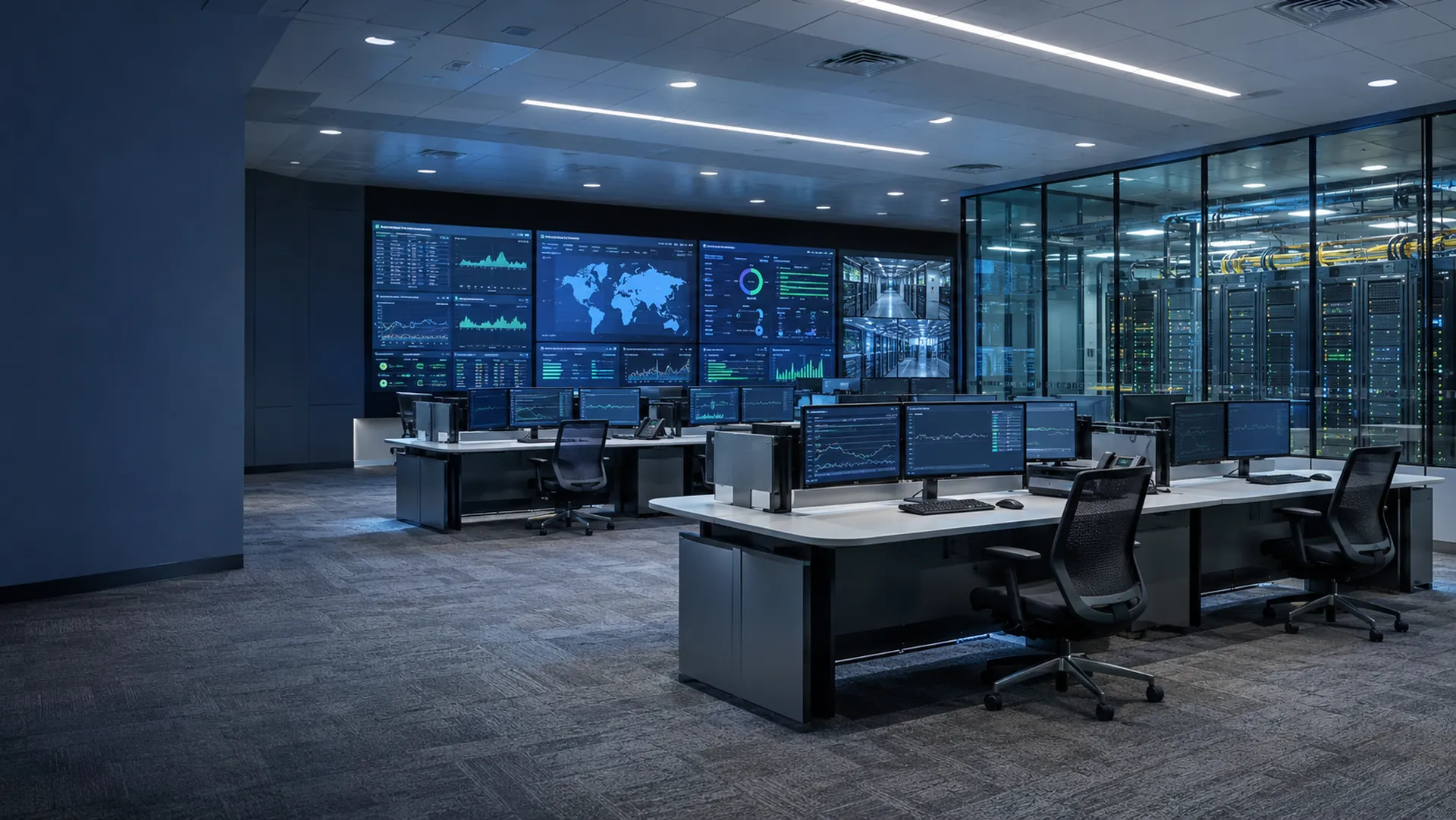
Monitor and control every device, from any vendor, from one place.
Alarms, signal paths, control and automation for your end-to-end network, whatever the hardware, protocol or location. On your own Windows or Linux servers, or as SaaS.
Rules correlate events and hold back alarms that clear on their own, so operators see what needs them.
Status rolls up from each device to the system above it, and propagation views trace an alarm back to where it started.
Primary and backup servers watch each other, and the backup can take over on its own or wait for an operator.
Set up a view for each role, from a service-level picture down to the monitoring points of one device. Filter out the rest, and critical operations can run on exceptions alone.
Follow a signal hop by hop to the link that failed. Send validated commands from the screen that shows the alarm, with permissions for who can send them.
See which sources create the most alarms and how much the rules remove, then fix the causes instead of acknowledging the same alarm again.
50,000
devices on a single server, representing hundreds of thousands of monitoring points. Horizontal scaling extends the capacity further.
Online in days
Mosaic can be monitoring your critical operations within days.
Added in hours
A new device type can be commissioned in as little as hours.
Few restarts
Telemetry, drivers, displays, rules and scripts reload while the server runs. Data syncs to a backup server on a schedule, and the backup can take over on its own.
Schedule recurring work, orchestrate complex actions and react to errors with minimal disruption. Groovy scripts, a built-in event processing engine and schedules are all yours to read and change.
Mosaic is not tied to a vendor or protocol. When a device needs a new driver, the integrated editor can commission it in as little as hours. If we have the device, you have the device, at no additional cost.
Search supported devicesRun redundant server pairs with automatic or operator-controlled failover, put collectors at remote sites, and watch the platform itself. Most configuration changes reload without a restart.
Documented extension points and development tools let your engineers extend what Mosaic does.
Sign in with SAML, OIDC or LDAP. Device passwords are encrypted with AES-256-GCM and referenced by name, never pasted into configuration files.
Schedule reports in PDF, Word, Excel, CSV or HTML, from history kept in a standard SQL database.
On Windows or Linux, from a single server to distributed systems. A desktop client suits multi-monitor control rooms, and a web client suits remote and mobile access.
Our professional services team can design and deploy your system, or you can build it yourself. Most customers start with a little help and training, then change it freely.
Licensing follows simple deployment parameters, and you can be online within days. You can change the system yourself, without paying for support you don't need.
Start from the sites, services and equipment each operator is responsible for, and put the readings and controls they need to investigate a fault on one working view.
List each device with its vendor, model and interface, and we'll confirm which drivers exist and which need building.
Use the desktop client for multi-monitor control rooms and the web client for remote and mobile access, and set the views and permitted actions for each role.
Map your sites, links, operator locations and equipment count, and we'll propose a layout, from a single server to redundant server pairs with collectors at remote sites.
Keep equipment ownership, locations and dependencies in Tessera and live event workflows in Tapestry, and agree which data each product exchanges with Mosaic.
Prove the views, controls and operator handover on one service or site with known faults and clear restoration checks, and save that configuration before you roll it out further.
What one operator built with Mosaic, with screens from the project.
View all case studiesMore than 1,000 versioned drivers from about 200 vendors, across satellite and RF, broadcast and media, IT and facilities. It connects to almost anything that runs over Ethernet, and to serial, GPIO and analog equipment through a converter or RTU.
On your own Windows or Linux servers, physical or virtual, with a standard SQL database, or as a hosted SaaS subscription. Operators use a browser or a desktop client.
Over 50,000 devices on a single server, representing hundreds of thousands of monitoring points. Horizontal scaling extends the capacity further.
New device types can be built with the integrated driver editor, in as little as hours, by your engineers or ours. If we have the device, you have the device, at no additional cost.
In editions, by function and monitoring quantity. Ask for a price based on your network.
Most don't. Telemetry definitions, drivers, displays, rules and scripts reload while the server runs. Changes to core server settings and libraries still need a restart.
Run a primary and a backup. They exchange heartbeats, and data syncs to the backup on a schedule. You choose whether the backup takes over automatically or waits for an operator.
It supports SAML, OIDC and LDAP sign-in, about 100 named permissions, encrypted credential storage and managed certificates. It records user sessions and alarm acknowledgments.